Ransomware Protection for Business: Prevention, Recovery and Decryption

Quick answer
Ransomware protection rests on three layers: stopping the entry points (patching, MFA, email security and EDR), keeping backups attackers cannot reach (the 3-2-1-1-0 rule), and having a tested incident response plan. If files are already encrypted, recovery is only sometimes possible, usually from clean backups or a free decryptor on No More Ransom. Paying the ransom is not recommended and does not guarantee your data back.
What ransomware looks like in 2026
Ransomware is malware that encrypts your files and servers, then demands payment for the key. Modern groups also practise double extortion: they steal data first and threaten to publish it, so even a company with good backups can face pressure.
The numbers explain why every business owner should take this seriously:
- The 2026 Verizon Data Breach Investigations Report found ransomware in 48% of all breaches, while ransom payouts are shrinking.
- The Sophos State of Ransomware 2026 survey of 2,158 IT and security professionals found that 56% of attacks succeeded in encrypting data, and the average recovery cost, excluding any ransom, was about 1.7 million USD.
- Chainalysis estimates on-chain ransom payments fell about 8% to 820 million USD in 2025, even though victims named on leak sites rose 50%. Only about 28% of victims paid.
The trend is clear: attacks are growing, fewer victims pay, and the companies that recover are the ones that prepared.
How ransomware attacks actually happen
Ransomware rarely "just appears". There is almost always a chain of events over days or weeks before encryption. The most common entry points are:
- Exploited vulnerabilities. The 2026 DBIR reports that 31% of breaches now start with software vulnerabilities, overtaking stolen passwords. Unpatched VPNs, firewalls, file-transfer tools and web applications are prime targets.
- Malicious email and phishing. In the Sophos 2026 data, malicious email (26%) and phishing (24%) were the most reported root causes.
- Compromised credentials (23% in Sophos), often stolen by infostealer malware or reused from older leaks, then used on RDP, VPN or Microsoft 365 without MFA.
- Exposed remote access and third parties, such as an open RDP port or a supplier with access to your network.
Once inside, attackers escalate privileges, move laterally to servers and domain controllers, steal data, and then deliberately destroy recovery options. MITRE ATT&CK documents this as Inhibit System Recovery: deleting Windows shadow copies with commands such as vssadmin delete shadows, deleting backup catalogues, and targeting backup servers before launching the encryption.
In the company networks I secure, the weakest points are rarely exotic. They are usually an unpatched edge device, a shared admin password, or a backup that sits on the same network and uses the same credentials as everything else.
Ransomware prevention checklist for companies
This list follows the CISA #StopRansomware Guide and what I apply in real environments. Start at the top; the first items give the biggest reduction in risk.
- Patch internet-facing systems first: firewall, VPN, email server, websites and remote access tools.
- Enforce MFA, ideally phishing-resistant, on email, VPN, remote access and all admin accounts.
- Close RDP to the internet; use a VPN with MFA instead.
- Separate admin accounts from daily user accounts and remove local admin rights from staff.
- Deploy EDR on every endpoint and server, and make sure someone watches the alerts.
- Filter email for malicious attachments and links, and enable SPF, DKIM and DMARC.
- Segment the network with VLANs so one infected PC cannot reach every server.
- Disable SMBv1 and unused services, and restrict PowerShell for normal users.
- Keep backups isolated with separate credentials, and test restores (next section).
- Train staff to report suspicious emails quickly, without fear of blame.
For the network side, including firewalls, VLANs and camera systems, see my guide to securing a company network and CCTV. This work is the core of my IT infrastructure and network security service.
The 3-2-1-1-0 backup rule
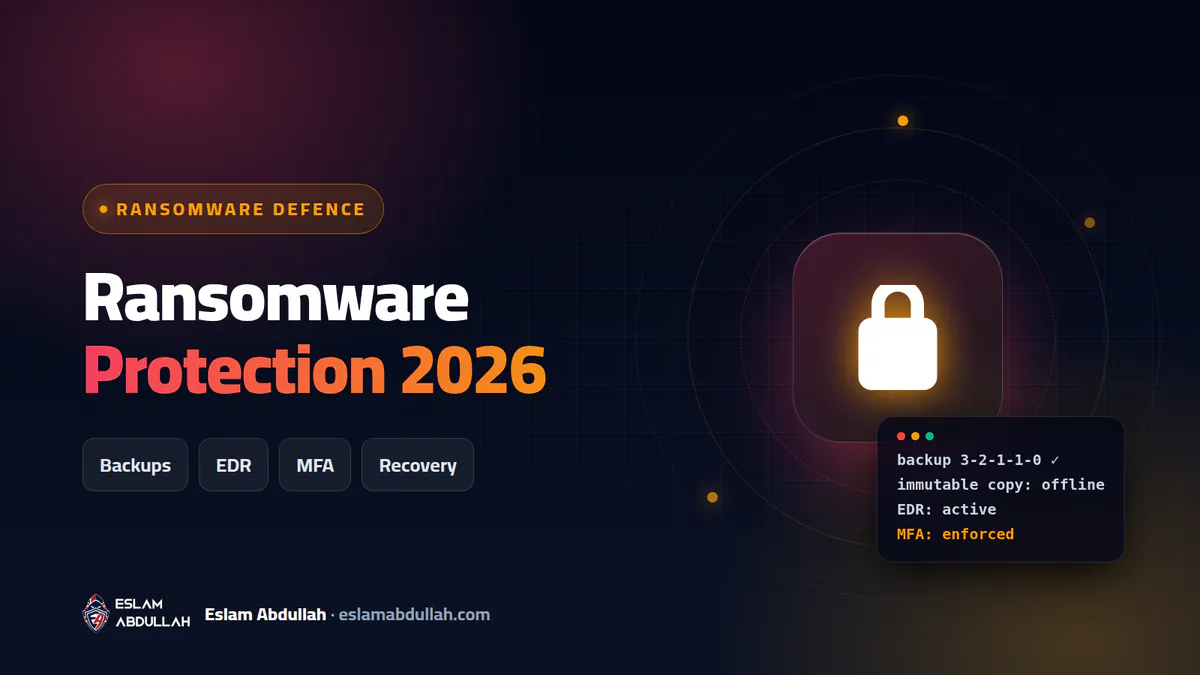
Backups are the difference between a bad week and a closed business. Sophos found that 66% of victims whose data was encrypted used backups to recover. But attackers know this and go after backups first, which is why the classic 3-2-1 rule has been extended to 3-2-1-1-0.
| Digit | Meaning | How to apply it |
|---|---|---|
| 3 | Three copies of your data | The live data plus at least two backups |
| 2 | Two different media types | For example a local NAS and cloud storage |
| 1 | One copy off-site | Cloud or a second location, separated from your network |
| 1 | One immutable or offline copy | Object lock, immutable snapshots, or rotated offline disks that ransomware cannot modify |
| 0 | Zero errors on restore | Scheduled test restores that prove backups actually work |
- Use separate credentials for the backup system, never domain admin accounts.
- Back up Microsoft 365 or Google Workspace data too; sync is not a backup.
- Document how long a full restore takes, and make sure management accepts that time.
EDR and email security: stopping it before encryption
Traditional antivirus looks for known malicious files. EDR (Endpoint Detection and Response) watches behaviour: a process mass-renaming files, deleting shadow copies or dumping credentials. It can isolate the machine automatically and gives you a timeline of what happened. Sophos reports that only one in three smaller organisations stopped the attack before encryption, which is exactly the gap EDR and a monitored alert queue close.
Email is still the front door. A good setup combines attachment sandboxing, link rewriting, impersonation protection, and DMARC on your own domain so criminals cannot easily send mail as you. For websites and hosting servers, the same principle applies; my website security and malware removal service covers that side.
Incident response: what to do in the first hours
- Isolate, do not wipe. Disconnect affected devices from the network (unplug the cable or disable the switch port). Do not format or reinstall yet; you will lose evidence and possibly the chance to decrypt.
- Protect what is still clean. Disconnect backup storage, block VPN access, and reset privileged passwords from a clean device.
- Communicate out of band. Assume email and chat may be monitored; use phones.
- Identify the strain. Photograph the ransom note and keep a few encrypted sample files.
- Scope the damage. Find which systems are encrypted, what data may have been stolen, and how the attackers got in.
- Eradicate and rebuild. Remove persistence, patch the entry point, rebuild critical systems from known-good images, and reset all credentials.
- Restore and monitor. Restore from verified backups by priority, then watch closely for the attacker returning.
- Report and learn. Notify the relevant authorities, your insurer and, where required, affected customers, then fix what allowed the attack.
Write the plan before you need it
These steps only work if people know them in advance. A one-page response plan should name who decides to disconnect systems, who calls the IT provider, who speaks to customers and management, and where offline copies of key contacts and passwords are kept. Print it, because during an attack your file server may be the thing that is encrypted. Review it once a year with a short tabletop exercise: walk through a realistic scenario and note every question nobody could answer.
Can encrypted files be recovered? An honest answer
Sometimes, but not always. Well-built modern ransomware uses strong encryption, and without the attackers' key there is no shortcut. These are the realistic options, in order:
| Option | When it works | Limitations |
|---|---|---|
| Restore from clean backups | Backups were isolated or immutable and tested | Only as recent as the last backup |
| Free decryptor (No More Ransom) | The strain has a known flaw or seized keys | Available for some families only |
| Windows shadow copies | The attacker failed to delete them | Most ransomware deletes them deliberately |
| Cloud version history | Files synced to OneDrive, Google Drive or Dropbox | Retention limits; large-scale restore needs admin tools |
| Paying the ransom | Not recommended | No guarantee of a working key; data may still leak; funds crime |
How to use No More Ransom
No More Ransom, the initiative led by Europol, the Dutch police and security companies, lists free decryption tools for more than a hundred ransomware families. Upload two encrypted files and the ransom note to its Crypto Sheriff tool to identify the strain. If a decryptor exists, read its guide and remove the malware first, otherwise files may be encrypted again. If none exists, keep a copy of the encrypted files: decryptors are sometimes released later when police seize servers.
About paying: No More Ransom and CISA both advise against it. Paying confirms that ransomware works, there is no guarantee you receive a working key, and stolen data may still be published. Recovery should be planned around backups, not around a negotiation.
What does ransomware protection cost in Egypt?
These are approximate 2026 market ranges in Egypt, not my price list. The price depends on the number of users and servers, existing hardware, licensing currency and the level of monitoring required.
| Item | Approximate range (EGP) |
|---|---|
| EDR licence per endpoint | 1,500 to 5,000 per year |
| Email security add-on per mailbox | 600 to 2,500 per year |
| Backup NAS with immutable snapshots | 30,000 to 150,000 one-off |
| Small-business firewall with security subscription | 40,000 to 200,000 one-off plus renewals |
| Security assessment and hardening | 15,000 to 80,000 per project |
| Incident response and recovery | 25,000 to 300,000+ depending on scope |
Compared with days of downtime, lost data and reputational damage, prevention is the cheaper path. Servers and hosting also need care; see my server and hosting management service.
Get your business ransomware-ready
I work as an IT infrastructure engineer and web security specialist, securing networks, servers and websites for companies in Egypt, the Gulf, the UK and the US. I can review your current setup, design a backup strategy that survives an attack, deploy EDR and email protection, and write a simple response plan your team can follow. If a website is already compromised, my guide on recovering a hacked WordPress site is a good start.
Contact me for a ransomware readiness review and we will find your weakest points before attackers do.
Key takeaways
- Ransomware appeared in 48% of breaches in the 2026 Verizon DBIR, and exploited vulnerabilities are now the top initial access route.
- Backups are what actually save companies: follow 3-2-1-1-0, with one immutable or offline copy and regularly tested restores.
- In the first hour, isolate affected machines from the network but do not wipe them, and keep the ransom note and encrypted files for identification.
- Free decryptors exist only for some ransomware families; check No More Ransom, but plan as if decryption will not be possible.
- EDR, phishing-resistant MFA and email filtering stop most attacks before encryption starts.
Frequently asked questions
Can ransomware-encrypted files be decrypted for free?
Only for some ransomware families. Upload a sample file and the ransom note to Crypto Sheriff on No More Ransom to identify the strain and check for a free decryptor. If none exists, restore from backups and keep a copy of the encrypted files in case a decryptor is released later.
Should my company pay the ransom?
It is not recommended. Payment does not guarantee a working decryption key or that stolen data will be deleted, and it funds further attacks. Focus on isolation, backups and professional incident response, and take legal advice where required.
What is the 3-2-1-1-0 backup rule?
Keep three copies of your data on two different media types, with one copy off-site, one copy immutable or offline, and zero errors confirmed by regular restore tests.
Is antivirus enough to stop ransomware?
No. Traditional antivirus catches known malware, but attackers often use legitimate tools and stolen credentials. EDR, MFA, patching, email security and isolated backups together give real protection.
What should I do first if ransomware hits?
Disconnect affected machines from the network without wiping them, protect your backups, reset privileged passwords from a clean device, save the ransom note and sample encrypted files, and call an incident response specialist.
Need a hand with this?
I can do it for you – fast, secure and done right the first time. Free consultation on WhatsApp.