n8n and AI Automation for Business: 10 Workflows, Costs and Security

Quick answer
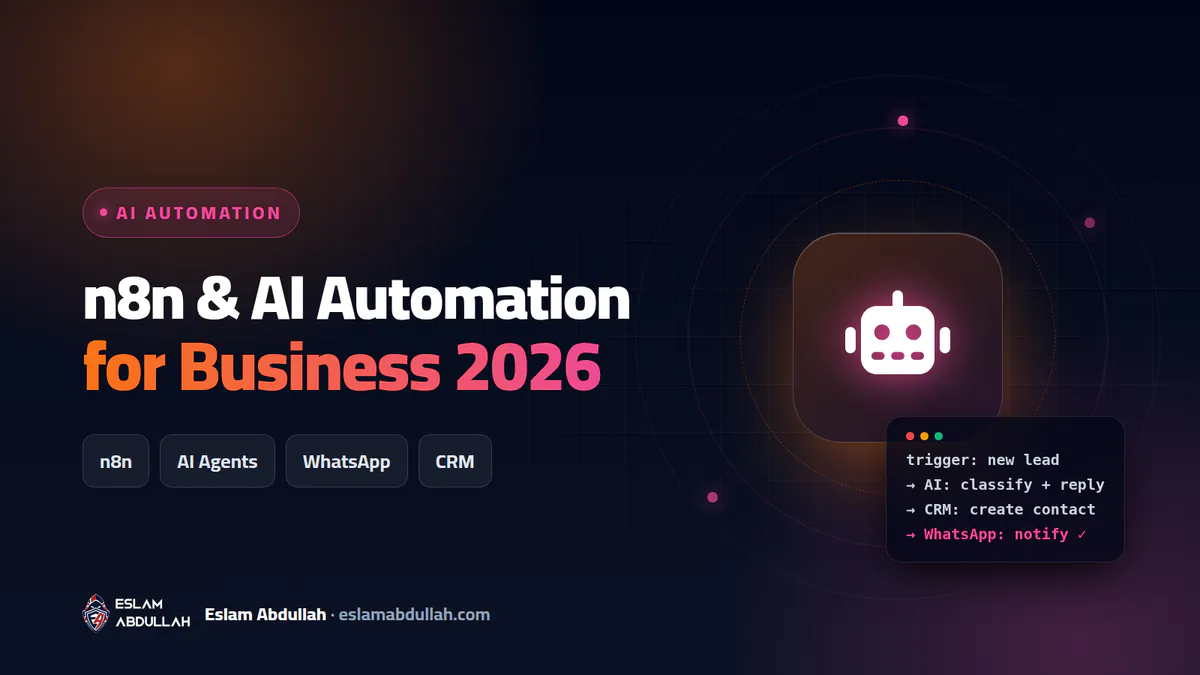
n8n is a workflow automation platform that connects your apps, APIs and AI models so repetitive work such as lead follow-up, invoices, reports and customer support runs on its own. Unlike Zapier and Make, n8n can be self-hosted on a small server and is billed per full workflow run rather than per step, which makes it much cheaper at scale. The trade-off is that a self-hosted n8n must be secured, updated and backed up like any other business server.
What is n8n and why businesses are adopting it
n8n (pronounced "n-eight-n") is a visual workflow automation tool. You build a workflow from nodes: a trigger (a new WhatsApp message, a form submission, a WooCommerce order, a schedule) followed by actions (create a CRM contact, generate an invoice, send an email, ask an AI model to classify or summarise). Anything with an API connects through the HTTP Request node, and you can add JavaScript or Python when needed.
What changed recently is AI. n8n's AI Agent node connects a chat model (OpenAI, Anthropic Claude, Google Gemini or a local model) to tools such as your database, CRM or an MCP server, and lets the model decide which tool to call. Automation stops being rigid "if this, then that" rules and becomes an assistant that reads an email, understands the request and routes it.
I build n8n systems as part of my n8n and AI automation service, and I also run the servers they live on. In companies across Egypt and the Gulf I see the same pattern: skilled staff spend hours a day copying data between WhatsApp, spreadsheets, the website and accounting. That is exactly the work n8n removes.
10 practical n8n workflows that save real hours
These are the workflows I recommend most often, roughly in order of return on investment for a small or mid-sized business.
- WhatsApp lead capture and AI qualification. An AI node reads each WhatsApp message, extracts name, product and budget, creates the lead in your CRM (HubSpot, Zoho, Odoo or a Google Sheet) and assigns a salesperson.
- Instant website lead response. Every form submission gets a personalised reply within a minute, sales gets a Telegram or Slack alert, and a follow-up is scheduled if nobody answers within 24 hours.
- Cash-on-delivery order confirmation. For WooCommerce stores, a new COD order triggers a WhatsApp template asking the customer to confirm. Confirmed orders move to shipping; unconfirmed ones are flagged before you pay for a failed delivery.
- Invoice and receipt processing. AI reads supplier invoices from email, extracts supplier, date, amount and VAT into your accounting sheet or ERP, and anything above a threshold waits for approval.
- Automatic invoice generation. A paid order or signed quotation generates a PDF invoice, emails it to the client, logs it in accounting and sends a payment reminder if it is still unpaid after the due date.
- AI support assistant with human handoff. An agent answers common questions from your own FAQ, policies and product data (retrieval-augmented generation), and hands the conversation to a human when it is unsure or the customer is upset.
- Daily and weekly management reports. Every morning n8n pulls sales, ad spend and analytics, asks AI to summarise what changed, and sends management a short report.
- Abandoned cart and review requests. Customers who leave the checkout get a reminder; customers who received their order get a review request a few days later.
- Employee onboarding and offboarding. A new hire in the HR sheet creates their email account, adds them to the right groups and sends a welcome pack; offboarding disables every account on the same day, which is also a security win.
- IT and website monitoring. Uptime, SSL expiry, failed backups and disk space alerts go to one channel, with AI summarising logs for the on-call person.
WhatsApp tip: since 1 July 2025 Meta bills the WhatsApp Business Platform per delivered template message. Replies inside the 24-hour customer service window are free, and utility templates sent inside that window are free too, so design your flows to answer quickly while the window is open.
n8n vs Zapier vs Make: which one should you choose?
All three tools connect apps without writing a full application. The real differences are how they bill you, whether you can self-host, and how far you can go with code and AI.
| Criteria | n8n | Zapier | Make |
|---|---|---|---|
| Billing unit | Execution (one full workflow run, any number of steps) | Task (each successful action step) | Credit (each module call) |
| Entry paid plan (2026) | Starter from about 20 EUR/month billed yearly, 2,500 executions | Professional from 19.99 USD/month billed yearly, 750 tasks | Core from about 12 USD/month, 10,000 credits |
| Self-hosting | Yes, free Community Edition | No | No |
| Custom code | JavaScript and Python nodes | Limited code steps | Limited, mostly via functions |
| AI agents | AI Agent node, any model, MCP support | Zapier Agents (separate plan) | Make AI Agents |
| Learning curve | Moderate to technical | Easiest | Moderate |
| Data location | Your own server if self-hosted | Vendor cloud | Vendor cloud |
A worked example shows why the billing unit matters: an eight-step workflow running 3,000 times a month uses about 24,000 Zapier tasks and roughly 24,000 Make credits, but only 3,000 n8n executions. For simple two-step automations Zapier is fine and easier to learn; once workflows grow longer, involve AI or handle sensitive data, n8n usually wins on cost and control.
Self-hosting n8n: cloud or your own server?
n8n Cloud is the managed option: n8n runs the server, updates and scaling. It is the right choice when you have no one to maintain infrastructure. The self-hosted Community Edition is free with unlimited workflows and executions; you only pay for the server. Features such as SSO, environments, external secrets and log streaming require the paid Business or Enterprise licence.
What a production setup looks like
- A Linux VPS with at least 2 vCPU and 4 GB RAM for a small business, running n8n in Docker Compose.
- PostgreSQL instead of the default SQLite database, so data survives upgrades and scales.
- A reverse proxy (Nginx, Caddy or Traefik) with HTTPS enforced.
- Automated daily backups of the database and the n8n encryption key, stored off the server.
- Queue mode with Redis and worker processes once you run thousands of executions a day.
Managing this stack is part of my server and hosting management work, because a workflow engine is only as reliable as the server underneath it.
A note on the licence
n8n is released under the Sustainable Use License. You may use and modify it for your own internal business purposes, and agencies commonly build workflows for their clients. What the licence does not allow without a commercial agreement is offering n8n itself as a paid hosted service to others.
How much does n8n automation cost in 2026?
The software is the smallest line in the budget. The real cost is designing workflows around your process and handling errors properly. The table below shows approximate market ranges in Egypt in 2026; they are not my personal price list.
| Item | Approximate range (EGP) | What drives the price |
|---|---|---|
| VPS for self-hosted n8n | 300 to 1,500 per month | Provider, RAM, backups, data centre location |
| n8n Cloud subscription | about 1,200 to 3,500 per month (Starter to Pro) | Execution volume, monthly or yearly billing, exchange rate |
| Single simple workflow (form to CRM plus alert) | 3,000 to 10,000 one-off | Number of apps, data mapping, error handling |
| AI WhatsApp assistant with CRM integration | 15,000 to 60,000 one-off | Knowledge base size, languages, handoff logic, template approvals |
| Complete automation package (5 to 10 workflows) | 50,000 to 150,000+ one-off | ERP or accounting integration, approvals, reporting, documentation |
| Monitoring and maintenance | 1,500 to 8,000 per month | Number of workflows, response time, update policy |
Add AI model usage (billed per token by the provider) and WhatsApp template fees. These are usually small compared with the hours saved, but estimate them before you start.
Securing n8n: the part most tutorials skip
An n8n instance holds API keys and passwords for your CRM, email, accounting and sometimes your servers. If it is compromised, the attacker inherits all of them. This is not theoretical: in January 2026 n8n disclosed CVE-2026-21858, rated CVSS 10.0, which allowed unauthenticated attackers to read files, forge admin sessions and execute commands. Researchers counted more than 26,000 exposed n8n hosts at the time. The fix was simply to update.
- Update n8n regularly and subscribe to its security advisories.
- Do not expose the editor to the whole internet; put it behind a VPN, IP allowlist or SSO, and enforce two-factor authentication.
- Expose only the webhook paths you actually use, and require authentication on forms and webhooks.
- Give each credential the least privilege possible, and create separate API keys for n8n.
- Block risky nodes (such as Execute Command) for users who do not need them, and disable the public API if you do not use it.
- Back up the encryption key; without it your stored credentials cannot be decrypted after a restore.
- Treat AI inputs as untrusted: a customer message can contain prompt-injection text, so never let an agent send money, delete data or email customers without a human approval step.
Attackers are using AI too. My article on AI-powered cyber attacks explains why automation servers are now a target, and the same thinking applies to protecting your company from ransomware.
How to start: a 5-step plan
- Pick one painful process. Choose something repetitive and measurable, for example "we answer new leads after 6 hours on average".
- Map it on paper. Write down the trigger, each decision and each system involved before touching n8n.
- Build, test with real data, and add error handling. Every workflow should notify someone when it fails, not fail silently.
- Keep a human in the loop. Let AI draft and classify; let people approve anything involving money, refunds or sensitive customer data.
- Measure and expand. Track hours saved and response times for a month, then automate the next process.
Need help building your automation?
I design, build and host n8n workflows for companies that want AI automation without the security risk, from one WhatsApp flow to a full system connected to their store, CRM and accounting. Store automation pairs well with my WooCommerce store development service, and ongoing care is covered by maintenance and support.
You can review my portfolio, or send me a short description of the process you want to automate and I will tell you honestly whether automation is worth it and which tool fits.
Key takeaways
- n8n bills per execution (one full workflow run), while Zapier bills per task and Make per credit, so multi-step workflows are usually far cheaper on n8n.
- The highest-return workflows for most companies are lead capture and follow-up, WhatsApp order confirmation, invoice processing, AI-assisted support and automated reports.
- Self-hosting the free Community Edition costs only a small VPS, but you own updates, backups and security.
- In January 2026 n8n disclosed a CVSS 10.0 flaw (CVE-2026-21858); an unpatched, internet-exposed instance is a direct path into every system it connects to.
- Start with one measurable process and keep human approval for AI actions that touch money or customers.
Frequently asked questions
Is n8n really free?
The self-hosted Community Edition is free with unlimited workflows and executions, so you only pay for the server. n8n Cloud and the Business and Enterprise licences are paid, and unlock features such as SSO and environments.
Is n8n better than Zapier?
For long, multi-step workflows, AI agents, custom code or data you want to keep on your own server, n8n is usually cheaper and more flexible because it bills per execution instead of per task. For simple two-step automations built by non-technical staff, Zapier is easier to learn.
Can n8n connect to WhatsApp?
Yes. n8n can send and receive messages through the official WhatsApp Business Platform (Cloud API) and through providers built on it. Meta charges per delivered template message, while replies inside the 24-hour customer service window are free.
Do I need a developer to use n8n?
A technical-minded employee can build simple workflows in the visual editor. Production systems with AI agents, error handling, self-hosting and security hardening are best set up by someone experienced in automation and servers.
Is it safe to self-host n8n?
Yes, when treated like any business server: updated, behind HTTPS and access controls, backed up and using least-privilege credentials. An outdated, internet-exposed instance is risky, as the January 2026 CVSS 10.0 flaw showed.
Need a hand with this?
I can do it for you – fast, secure and done right the first time. Free consultation on WhatsApp.